
AI search simulation platform
Get your brand in ChatGPT answers
Oppvera is an AI search simulation platform for GEO campaigns. Map the questions buyers ask, run simulations on your content, find gaps, test edits, and track visibility in AI answers.
Oppvera runs GEO campaigns
Plan questions, test content, publish improvements, and monitor AI search.
Studio
Run a GEO campaign from content and buyer questions through search signals to a client-ready narrative. Add content and buyer questions, inspect the passages the simulation selects, then change the content and compare the results.
Use the findings to make better publishing decisions: clearer wording, useful headings, and enough detail to answer the question.
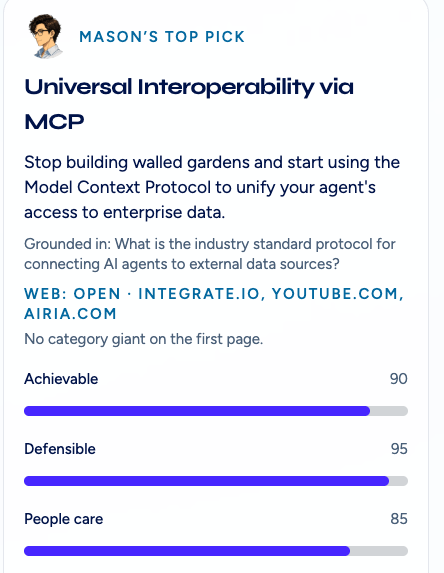
Ideas to test
Decide what to try next
Mason, Oppvera’s AI assistant, suggests content ideas and explains the sources behind them. Use the suggestions to choose your next campaign test.
Scores summarize this simulation and help you choose the next test. Review the sources and use your own judgment.
Follow the information
See what the simulation finds—and misses
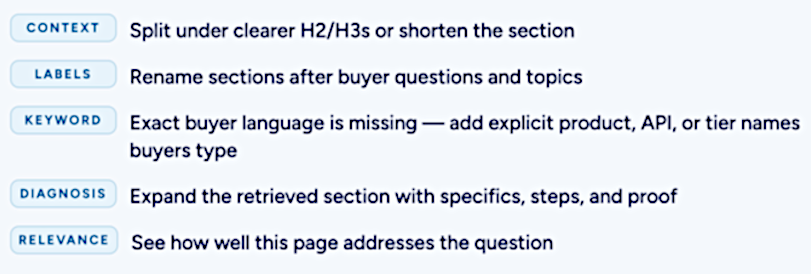
Look at which passages match a question and which are left out. Check whether the selected text contains enough information to answer it.
Try clearer headings, specific names, or missing details. Then ask the same questions again and see what changed.
Brand Security
How AI answers describe your organization
Explore how website content could shape answers about an organization. Test a set of questions, look for missing information, and try changes before publishing them.
Studio covers campaign content. Brand Security focuses on questions about an organization and how AI search describes the brand.
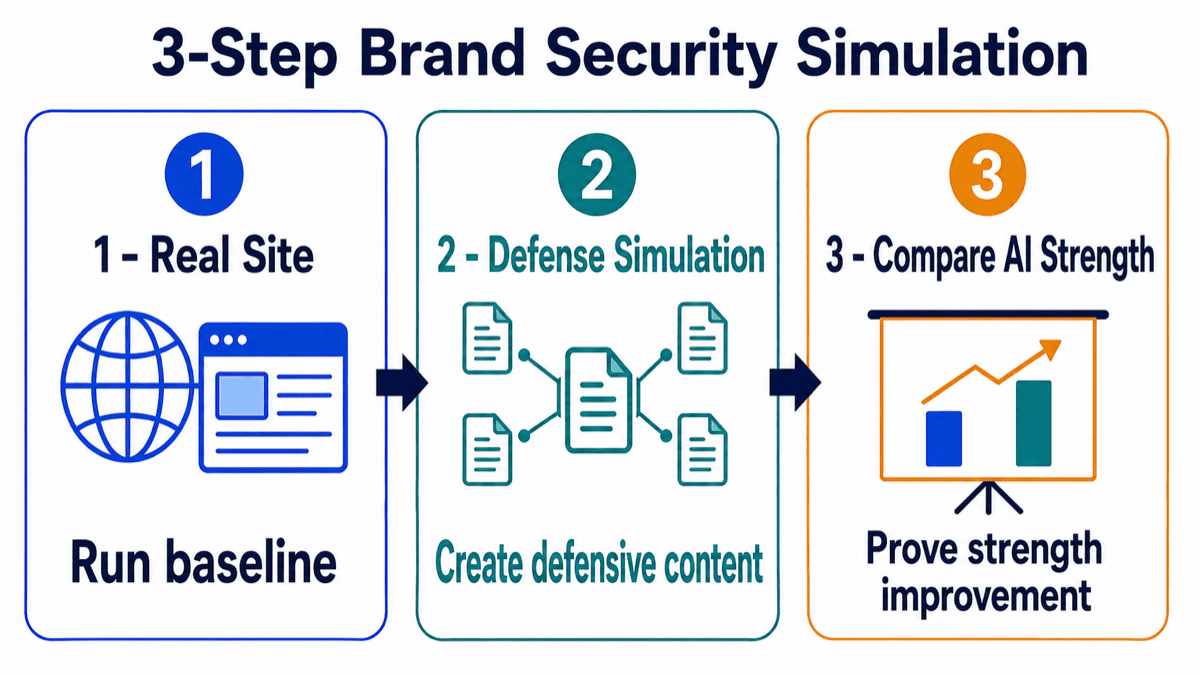
Try a change
Compare before and after
Import pages from a website and see which passages the simulation finds for your questions. Draft revised content, then test it against the same questions.
Compare which passages were selected before and after the edit. Look for improvements, unchanged results, and new gaps.
Look beyond the score
Does the source answer the question?
A passage can mention the right person or organization without answering the question. Read the selected text and look for missing facts, unclear wording, or claims that need checking.
Use the comparison to decide what to investigate or publish next. A stronger simulation score is a reason to look closer at the selected passages.